Building a Router From an Old Thin Client
Preface #
Growing up, I’ve always been into networking. I had a ton of fun when my neighbor gave me his original WRT54G, and I played with alternative firmware on it. That’s also when I downloaded BackTrack Linux for the first time to mess around even further.
Since then, I’ve gone through a number of router replacements due to hardware failures, un-fixable software bugs, client (in)compatibility, and a bunch of other bits of similar nonsense that made it feel like you’re truly gambling on what you’re going to bring home - even after you check the hardware specs.
In December of 2022 I decided that it was time for a better solution. Something that would be reliable, have long term software support, VLAN support, expandable, and most importantly, cheap.
I found that the best answer to my particular problem was an HP thin client running OPNsense. And before I get into the details, I’m happy to report no unscheduled downtime for over 3 years with this hardware at the time of writing.
My 2022 Hardware Selection #
- HP t730 thin client PC
- AMD RX-427BB CPU
- 2.7 GHz 4 core w/ 3.6 GHz turbo (35W TDP)
- 8 GB DDR3 memory
- 128 GB M.2 SSD
- Clone Intel i350-T4 4x1G ethernet PCIe card
- AMD RX-427BB CPU
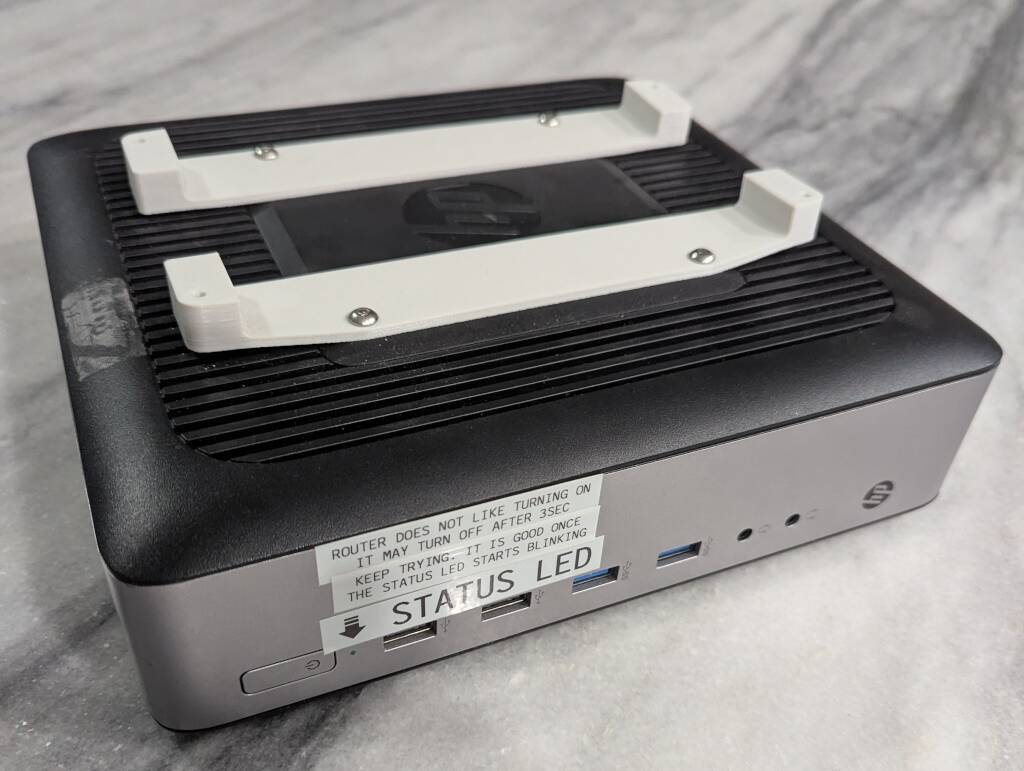
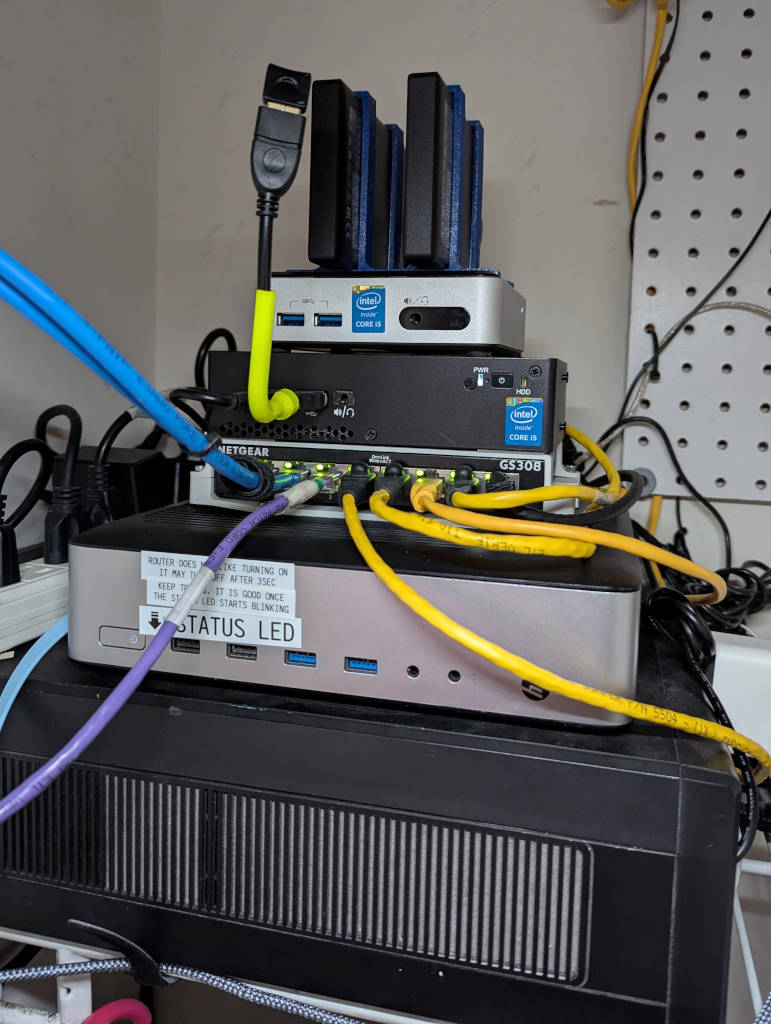
This little machine (which runs off a 65w laptop power supply, by the way) idles at 2% utilization (with bursts to ~40% when applications are running), ~2300 MB memory usage, and 3 GB of disk usage, all while routing my network of 75 devices, acting as a firewall, running AdGuard DNS, Unifi software, and CrowdSec IDS/IPS. The reasons I ended up with this PC are:
It’s cheap. I picked this up off of FB marketplace in Dec 2022 for about $40 USD. eBay prices do tend to be higher, but there always seems to be local supplies of machines like this.
It’s low power. This was important for multiple reasons for me. Lower energy costs are always nice to have, and running at less than 10 watts average, it’s fairly efficient for the processing capabilities. This is also in my foyer closet with no ventilation, so being low noise and low heat are very nice as well. (with this router and another mini PC, ambient temperature in the closet when closed is approximately 80° F.)
It has a PCI-express slot. This is crucial, as you are going to want to throw a network card in whatever machine you use.
I did have to get a little bit creative with the thin client. I mean, I didn’t have to get creative. I just didn’t want to spend any more than I had to.
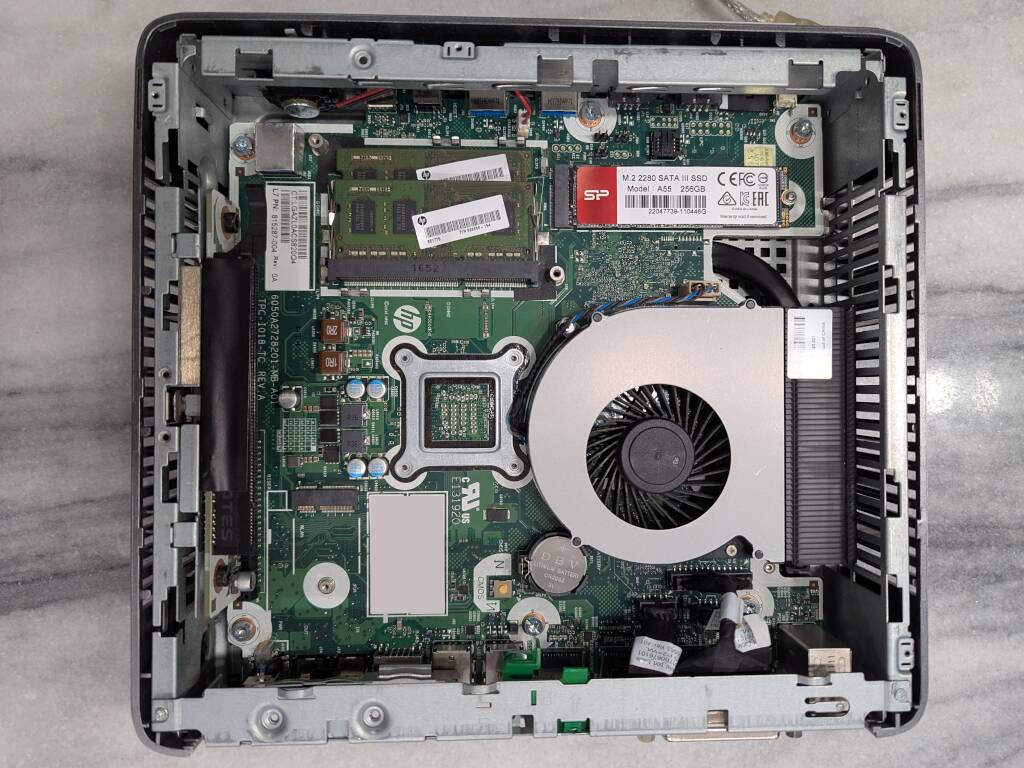
For the $40 I spent, I got the thin client, 8 GB memory, and that’s it. I needed an SSD and a PSU.
For the SSD, I ended up purchasing a cheap junk SSD from Amazon. Or rather, I keep a stash of junk-tier priced M.2 SSDs that I can throw in enclosures and use as flash drives. $15 for a 256 GB SSD to host the OS, and no other real performance requirements.
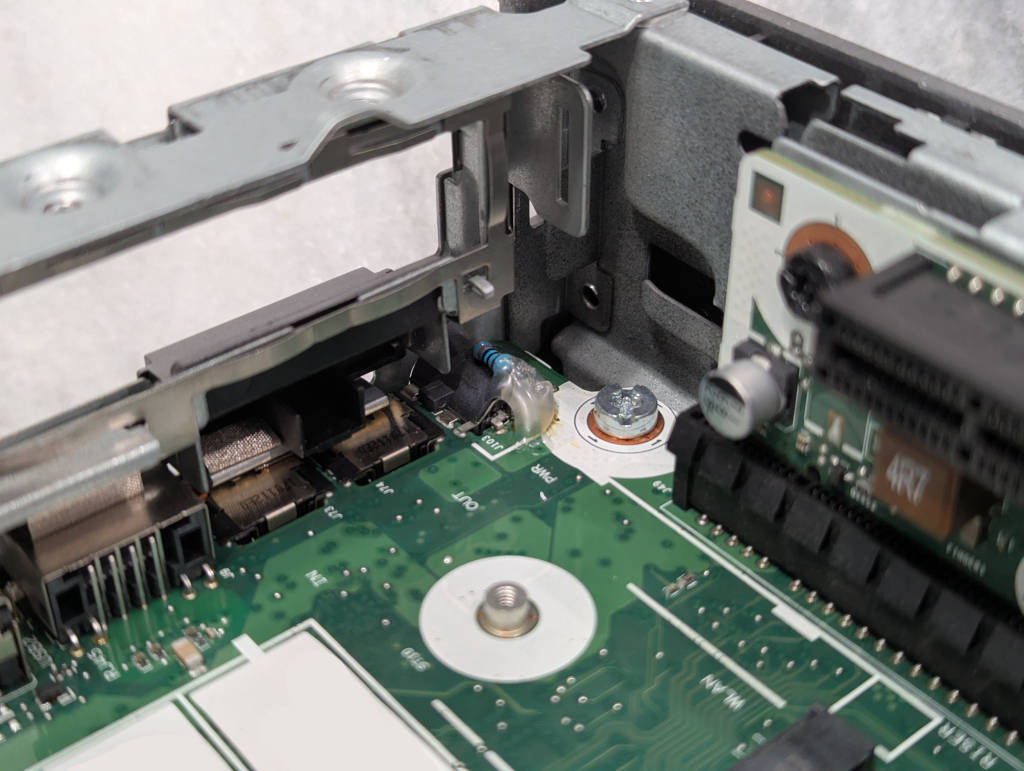
The thin client takes a 65w HP laptop power supply. Unfortunately for me, this thin client requires one of the laptop PSUs that has the sense pin, so I had to solder in a resistor to bypass the sense on my dumb 65w universal laptop charger.
What’s on my Router? #
When choosing hardware for a router, I wanted to have a machine that was just for networking. One of the main reasons for this is that networking isn’t my hobby. I just need a secure and reliable way to connect the things that are my hobbies. I also didn’t want to combine my networking with my homelab systems, because rebooting for a hardware change or updates would take my family offline.
With the setup I have now, my only downtime was for software updates.
Vicuna (Dark) Theme #
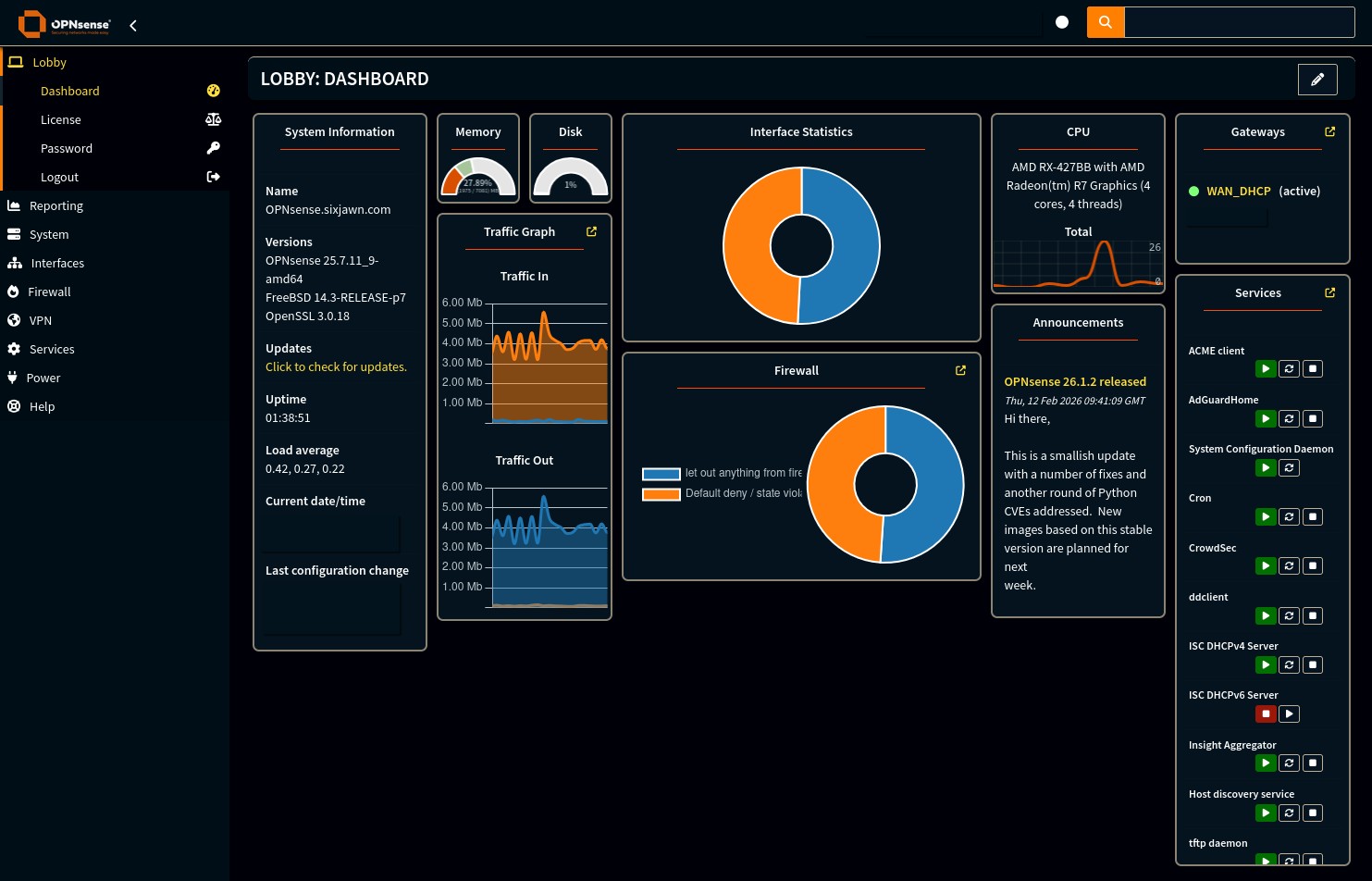
The first thing I ended up installing was a dark theme and switching to it. After an eye injury in the past and realizing how painful bright screens can be, this is a must for me.
ACME Client #
Only just after setting up dark mode, I configured Let’s Encrypt to give me a valid certificate for my router’s hostname.
AdGuard Home #
I wanted a local DNS solution as well as an ad blocking solution. All of my subdomain entries for all of my hosted services go in here. I added the AdGuard Home integration to Home Assistant so that there’s an easy-to-reach button to temporarily pause ad blocking.
CrowdSec IDS #
Since I host public services that point directly to my IP, I would want some protection from bad actors without spending all of my time on staying safe. Basically, I get blocking for obvious brute-forcing attempts and other loud attacks like port scans, but also an updating blocklist of known bot activity IPs.
Unifi #
2 of my Access Points are Unifi APs, so it makes sense to run the Unifi application on this system as well.
The Rest of the Network #
My goal was to build a cheap and effective router to allow me to safely host services for internal and internet uses, as well as to provide connectivity to all of my devices. My $75 thin client is an excellent solution to this problem. Combined with a dumb switch per VLAN, and an access point that fits your home needs, you’ll be coming in at a price comparable to “flagship” Wi-Fi routers, but coming out with a modular, upgradeable system that is not tied to any specific ecosystem.
References #
David Parkinson - ParkyTowers - Thin Clients - David Parkinson seems to really enjoy repurposing old thin clients, and I can’t blame him. He has a thorough database of thin client specs, tools, and other info about dozens of thin client models.
OPNsense Wiki - The documentation for OPNsense is truly top notch. I’ve been able to follow the documentation to the letter without fail for setting everything up.